Title: Open cv on google colab | Use Url to Read, Display, Save Images
#code 1:
import numpy as np
import pandas as pd
import cv2 as cv
import cv2
from google. Colab. Patches import cv2_imshow # for image display
from skimage import io
from pil import image
import matplotlib. Pylab as plt
#code 2:
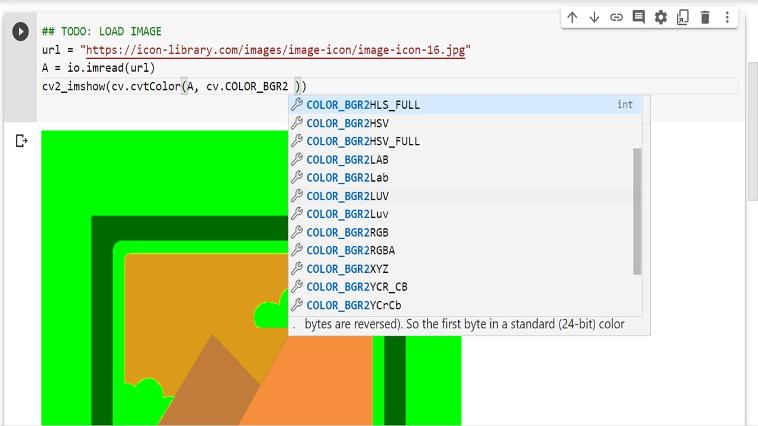
## todo: load image
url = "https: //d1nhio0ox7pgb. Cloudfront. Net/_img/g_collection_png/standard/512x512/ok. Png"
myimg = io. Imread(url)
cv2_imshow(cv. Cvtcolor(a, cv. Color_bgr2gray))
#code 3:
cv2. Imwrite('gray. Jpg', cv. Cvtcolor(a, cv. Color_bgr2gray))
Experiment with other Colours
The import inputs are found with the following link learn more:
Https: //colab. Research. Google. Com/github/xn2333/opencv/blob/master/image_processing_in_python_final. Ipynb#scrollto=olgwfkdtfm-v